
Join AXIS
powered by

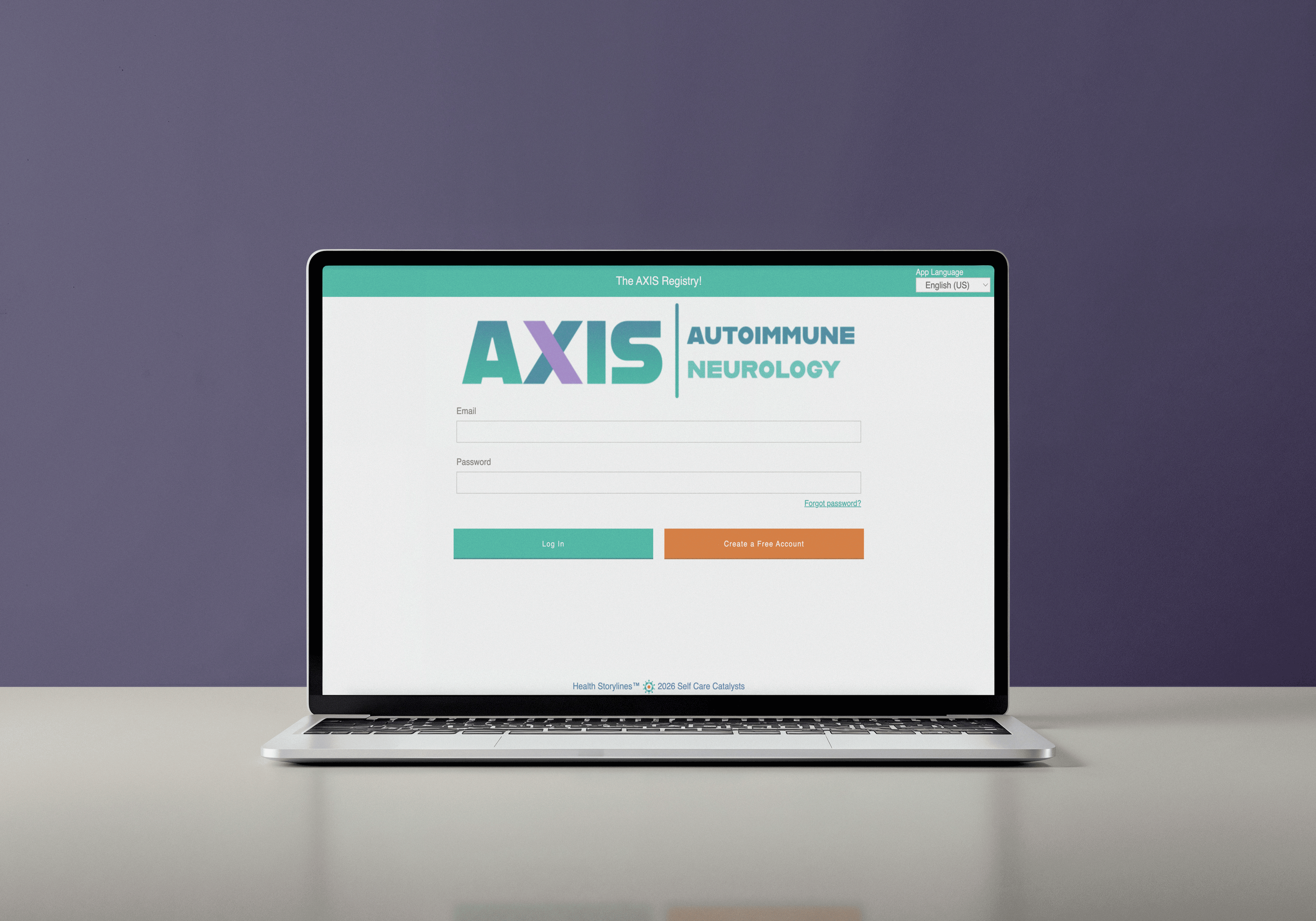
Sign up from your computer
Click the link below to access the web app from your desktop computer or laptop.

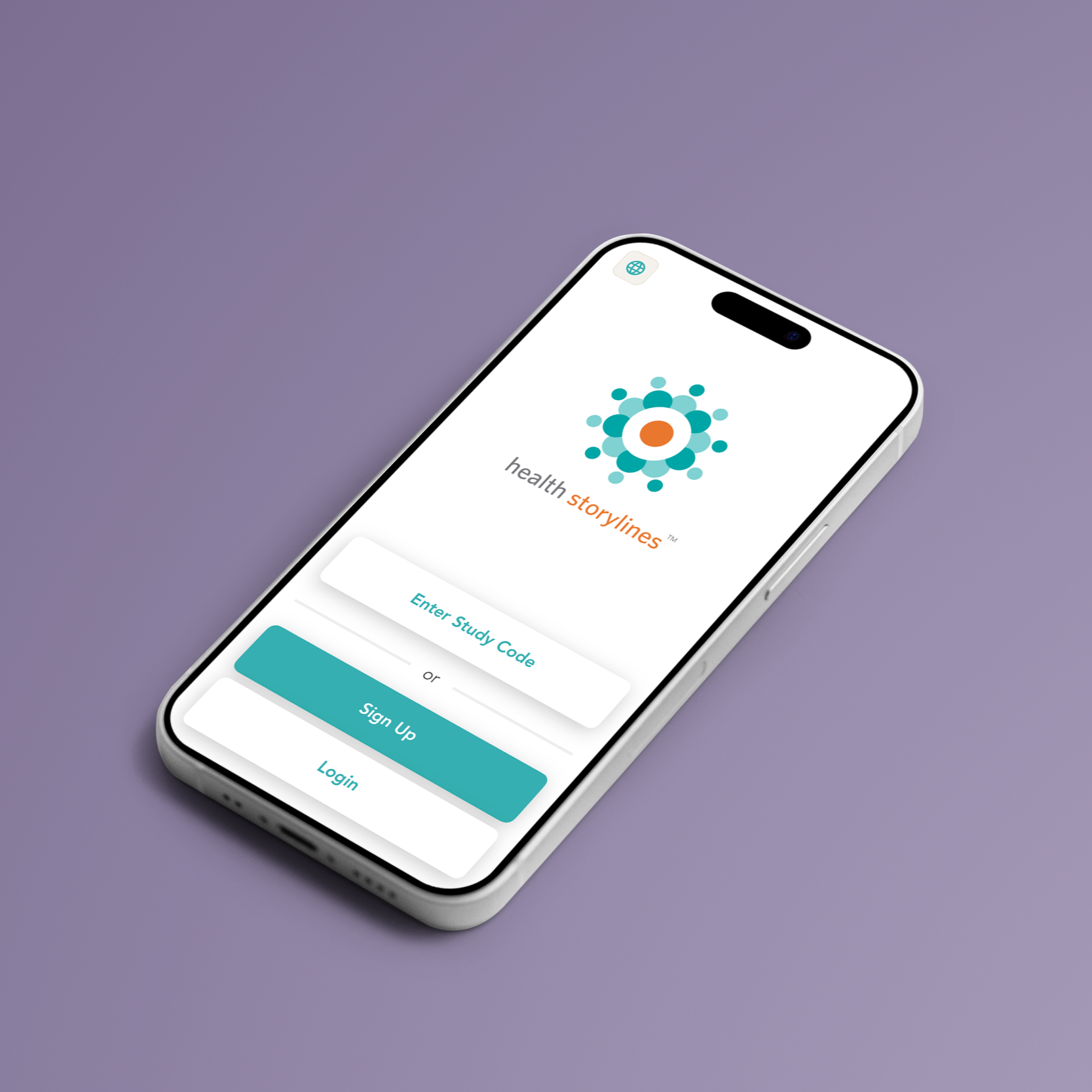
Join from your Mobile Phone
Scan (or tap) the QR code to download the app from the App Store or Google Play.
Once Downloaded if you see the AXIS logo you are in and can proceed to Sign-up. If you don’t see the logo, insert the Study Code:5TGKGN

How AXIS Works
AXIS is the registry. Health Storylines is the platform that brings it to you.
The AXIS Registry is where people living with Myasthenia Gravis can share their experiences through monthly surveys and contribute to a better understanding of MG. After completing enrollment, participants may receive compensation for eligible monthly surveys.
Health Storylines is the health-tracking platform that hosts the AXIS Registry. You can also use it to keep track of your everyday health, including symptoms, medications, appointments, and more.
The Registry is for individuals who have been formally diagnosed with myasthenia gravis.
To help ensure the accuracy and value of the Registry, participants will be asked to confirm their diagnosis.

Getting Started with Health Storylines
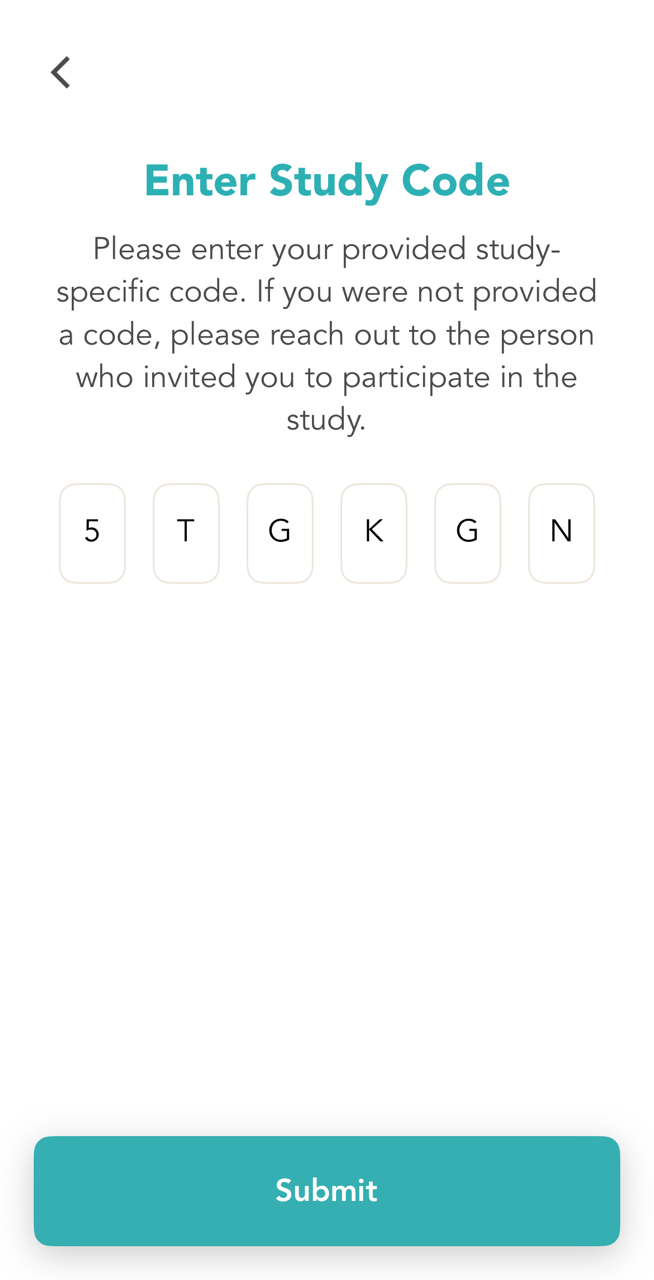
Join on the Mobile App
Download the Health Storylines app from your app store
Once downloaded, enter the following Study Code: 5TGKGN
If you already have an account, tap “Login” and see step 4.
If you don’t have an account, tap "Sign Up" and enter your email and password
Accept the privacy policy and terms of use
Enable notifications to stay on track with reminders
Complete your profile (name, contact details)
Review the Onboarding Guide and sign the Informed Consent to begin
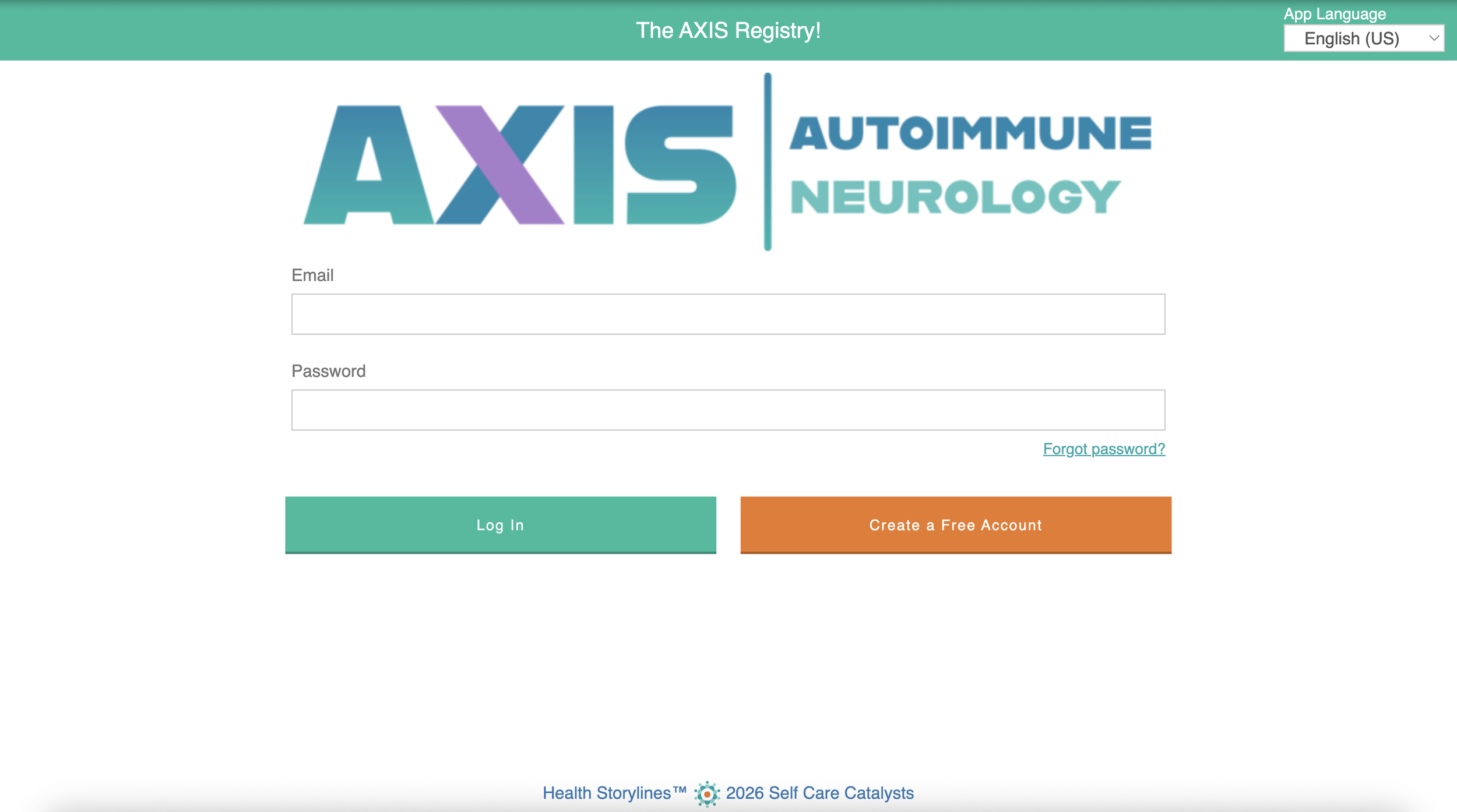
Join the Web app
Visit the Web app by clicking on this link: Health Storylines
Enter the following Study Code: 5TGKGN
If you already have an account, tap “Login” and see step 3.
If you don't have an account, tap "Create a Free Account" and enter your email and password
Accept the privacy policy and terms of use
Complete your profile (name, contact details)
Review the Onboarding Guide and sign the Informed Consent to begin